



01Connect
Bring your apps, files, voice, links, and existing work into one request.
One workspace to build, operate and keep work moving

EXPLORE XROGA'S CAPABILITIES
One workspace. A world of possibilities.
Xroga is being built to bring powerful capabilities together, taking work beyond a single prompt, tool or specialty. Explore what it can accomplish today and the intelligence we're working toward.
Xroga in action
Watch Xroga work through sites and apps, check what happened, and bring back a result you can inspect.
Xroga / Search & Growth
Xroga spots gaps in search and AI answers, prepares content and campaigns, and helps turn more visitors into customers.
Publish & distribute
Bring your app, game or Chrome extension, built in Xroga or brought from an existing project. Xroga helps prepare it for the App Store, Google Play or Chrome Web Store. You approve what ships.
Prepare a release Release StudioIllustrative previewWaiting for your review
Launch your iPhone app. Xroga tests it, prepares screenshots and the listing, and gets it ready for App Store review.
Illustrative walkthrough with fictional products. No store account is connected here and nothing is submitted.
ONE AI WORKSPACE · SIX CONNECTED SYSTEMS
Bring your apps, files, voice, links, and existing work into one request.
Ask in plain words. Xroga understands the outcome and selects the useful context.
Issue reproduced
Patch and tests completed
Preview deployment ready
See changing workflow outputs, completed actions, evidence, and approvals.
1export function Workspace() {2 return <Build verified />;3 }
Files and command results recorded
Runtime state checked independently
User approval required where sensitive
 SupabaseAvailableClick to manage plugins.
Describe it. Build it. Ship it.
main⌄ONE REQUEST · VISIBLE WORK
Build a customer portal with roles, billing, usage and accessible mobile states.
Responsive states, useful interactions and the project's existing constraints stay in view.
Illustrative workflow. Available tools and checks depend on the selected project and authorized accounts.
Explore every capabilityBLACK HOLE V∞ · XROGA INTELLIGENCE
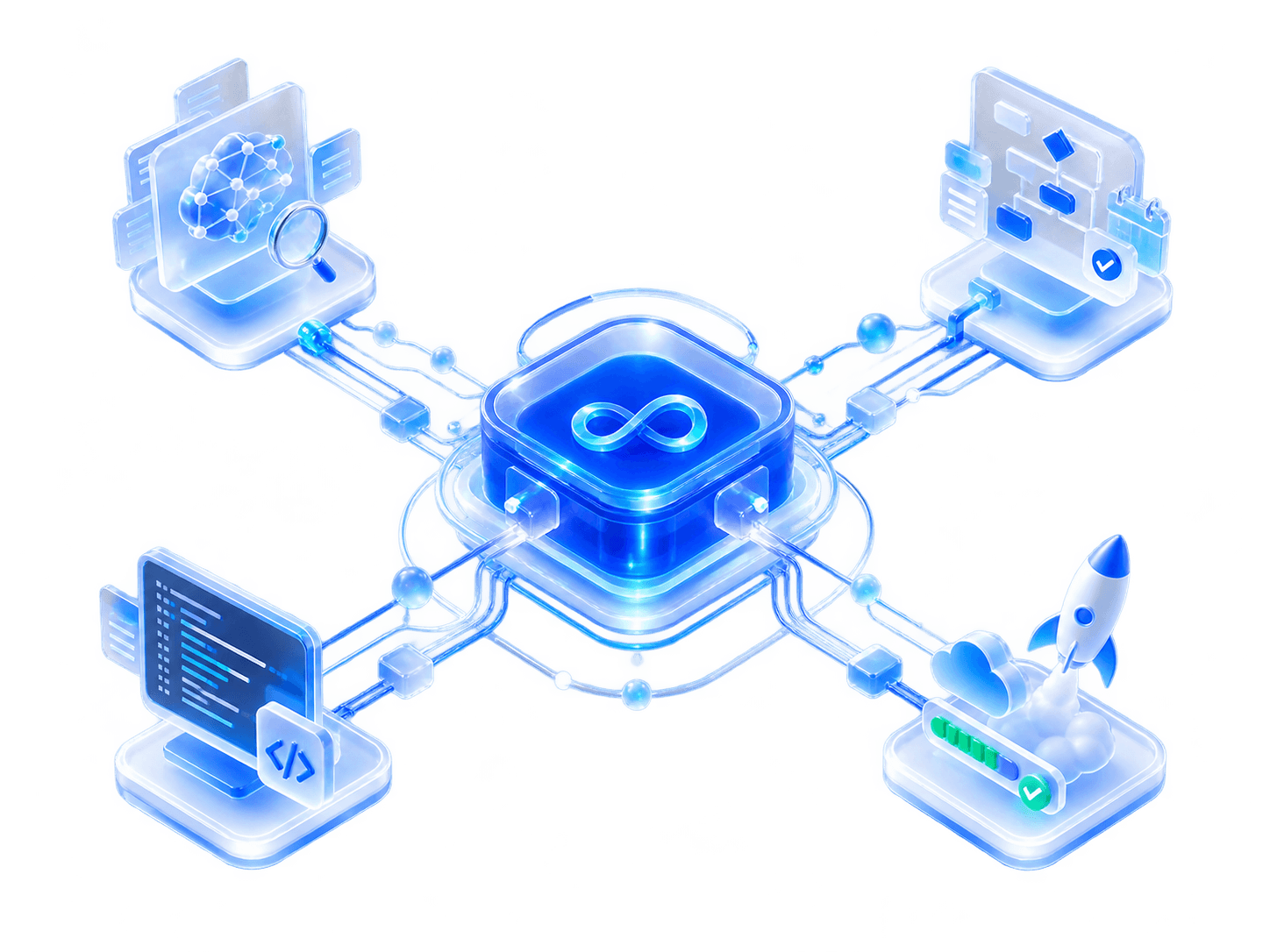
UNIFIED BUILD INTELLIGENCE
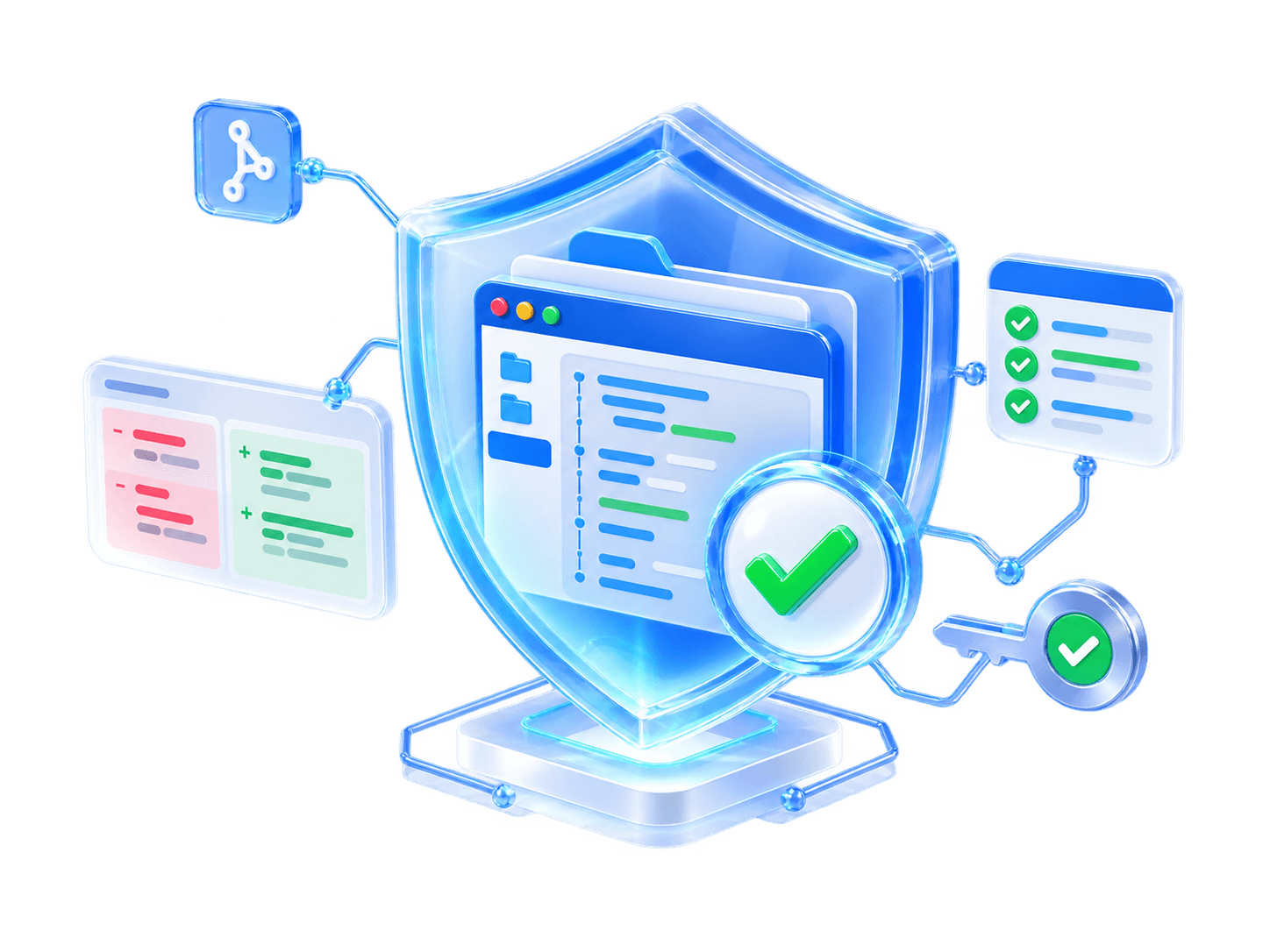
VISIBLE VERIFICATION
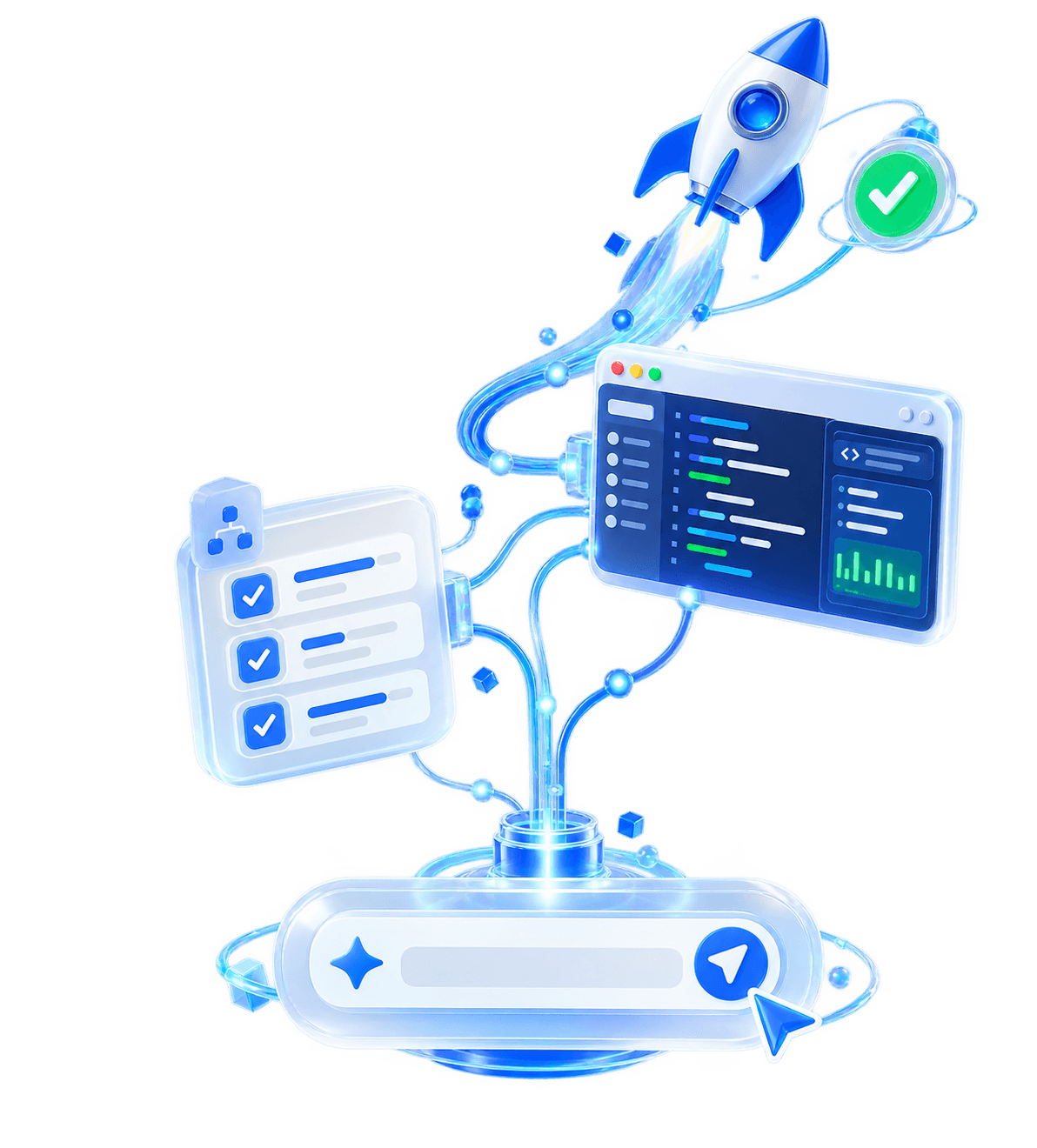
AUTHORIZED EXECUTION
FROM THE BRIEF TO THE BUILD
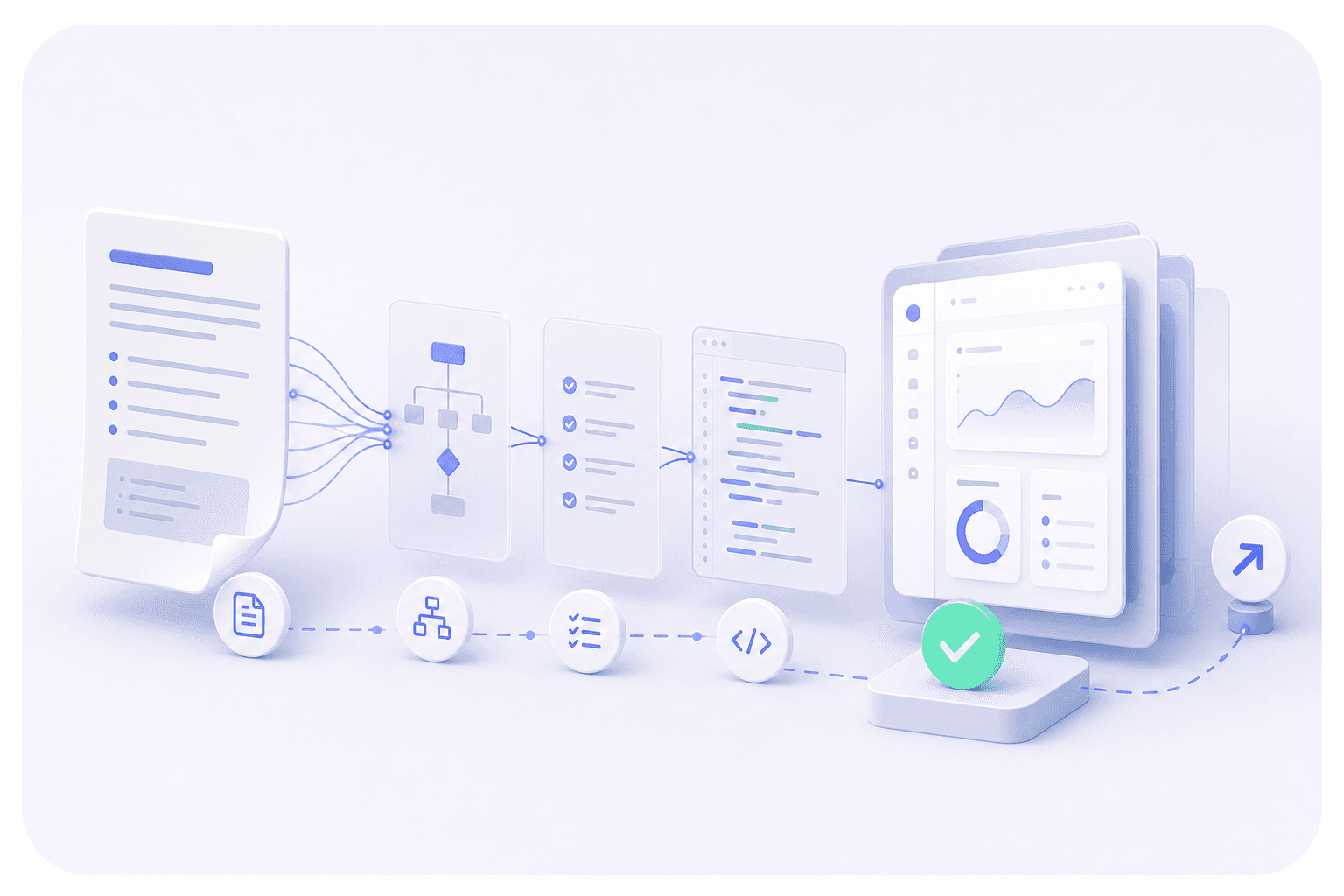 Existing repo or new product Checks visible
YOUR BRIEF
Connect authorized services. Keep building in familiar technology.
THE XROGA SHIP LOOP
 PromptDescribe the outcomeNew productBlack Hole V∞
BUILT FOR REAL REVIEW
Know what's happening in real time.
Validated, published, and audit-ready.
See what changed and why.
Plain language for clear decisions, together.
Know who can act and when.
Build and iterate on demo projects, fast.
Surface risks that stop progress.
Understand → implement → validate → publish when authorised.
START FREE. SCALE WHEN THE WORK DOES.
Everything you need to start building
Higher capacity and faster access
BUILT FOR THE PERSON DOING THE WORK
Xroga works across files and returns diffs and checks.
See how Xroga worksFAQ · BEFORE YOU BUILD
Product, shipping, and billing—before you start.
12 honest answersXroga is an AI app builder and coding agent that turns product requests into inspectable repository work, applicable checks, and release-ready code you control.
Xroga can build supported websites, web applications, SaaS products, dashboards, internal tools, mobile app scaffolds, browser extensions, APIs, and libraries. Complex products may need follow-up decisions or credentials.
Yes. Connect a GitHub repository and branch so Xroga can inspect the existing architecture, make focused changes, run relevant checks, and return reviewable diffs.
No. You can describe the outcome in plain language. Developers can inspect, edit, and continue working with the repository at any time.
You do. Xroga works with repositories and provider accounts you authorize, leaving you with inspectable source code and project history rather than a locked black box.
Xroga runs checks that fit the project, such as type checks, tests, builds, and previews. It shows the evidence and reports blockers instead of presenting incomplete work as finished.
Xroga can prepare and perform supported deployment steps through accounts you authorize. Provider setup, credentials, fees, review, and approval remain under your control.
Free costs $0, requires no card, and includes limited real access to the core building workspace, repository-aware edits, previews, and verification.
Xroga Pro is $25 per month and adds higher usage capacity, faster pacing, and support for two safe independent tasks at once.
Xroga Pro checkout and subscription management are handled securely by Whop. Current pricing and included capacity are shown before checkout.
Yes. You can manage or cancel your subscription through the billing portal. Access continues according to the subscription terms shown at checkout.
Xroga pauses the affected step and explains exactly what is needed. It does not invent credentials, bypass provider requirements, or claim an external release succeeded when it did not.