
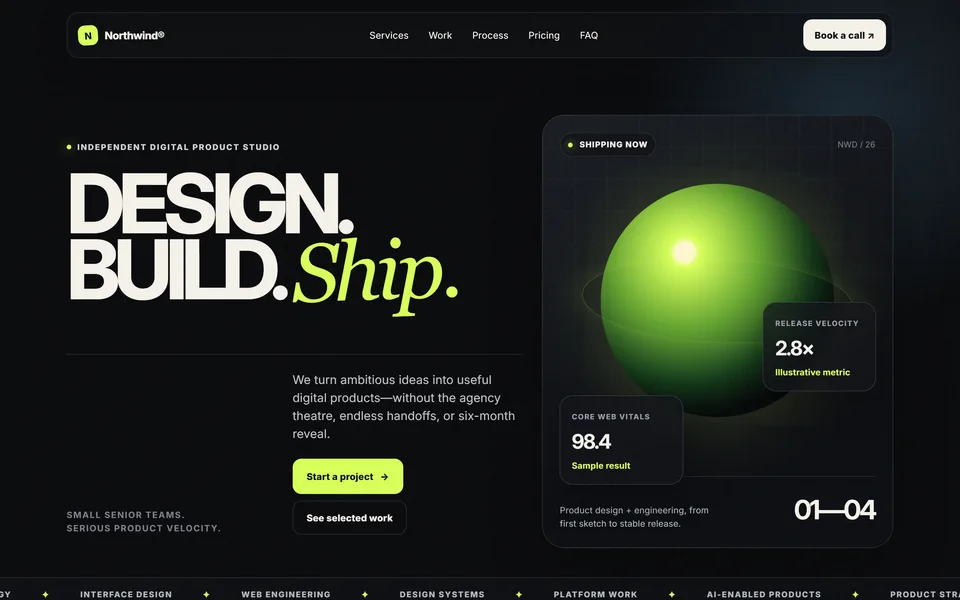
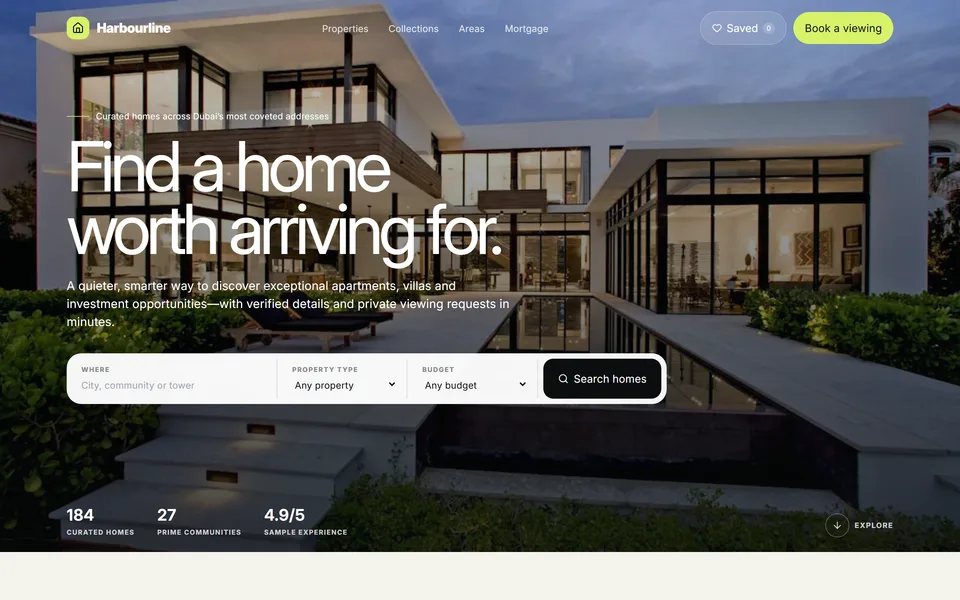
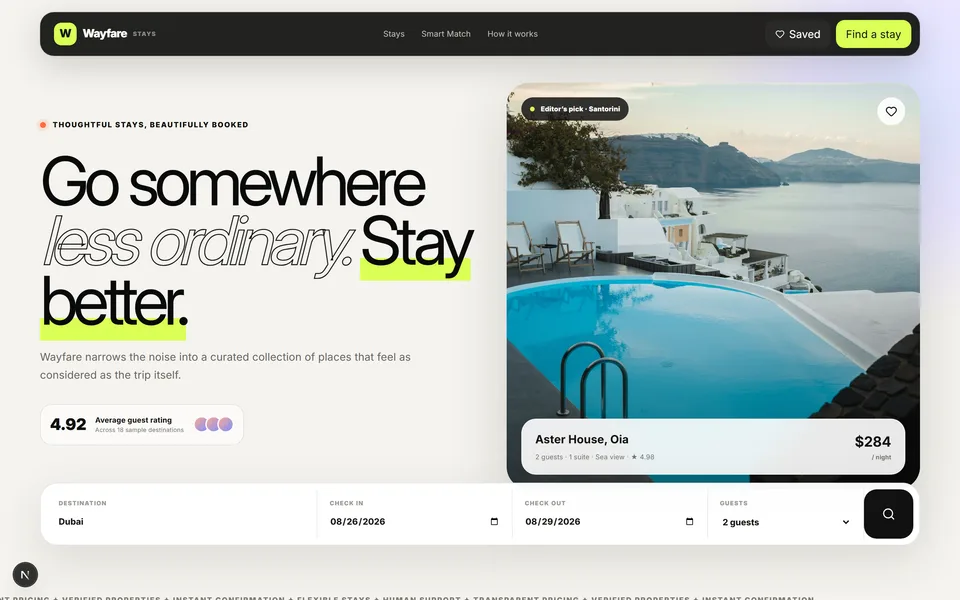
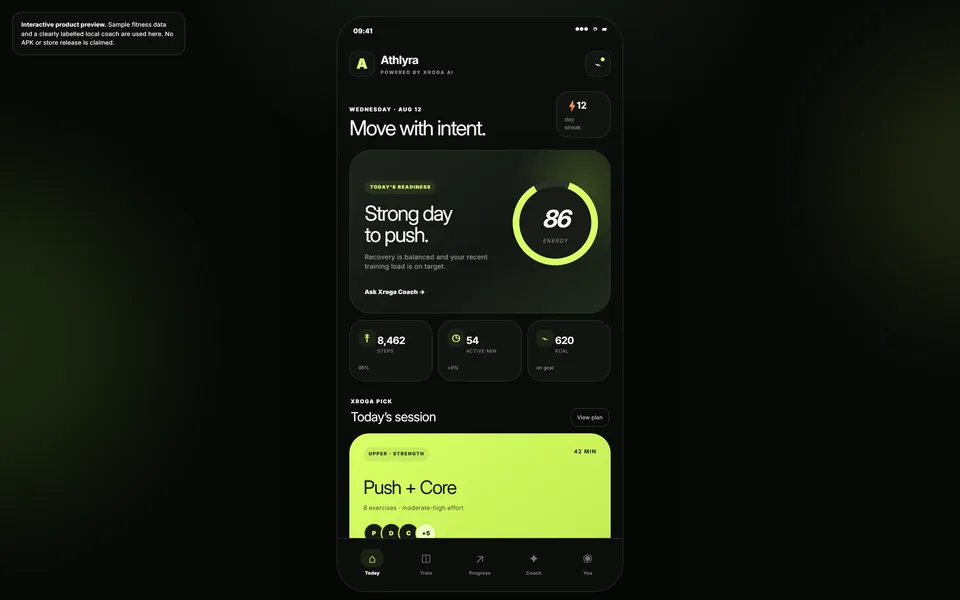
App generation
Describe a product outcome and Xroga translates the requirements into executable subtasks rather than a single unstructured prompt.
Describe an app. Xroga builds it. Create an app for free with AI, inspect the code, and verify the result before you ship.
AI-powered product building
Xroga can help create or extend web products, SaaS applications, dashboards, API-backed tools, and other supported software. The generated result stays inspectable in a repository rather than disappearing into a closed visual editor.
 SupabaseAvailableClick to manage plugins.
Describe it. Build it. Ship it.
main⌄Powerful by design
Describe a product outcome and Xroga translates the requirements into executable subtasks rather than a single unstructured prompt.
Interface, API routes, persistent data and authorized integrations are built as one connected product, not as separate fragments.
The result stays inspectable in a repository instead of disappearing into a closed visual editor you cannot read.
Connect the services your product needs. Access stays scoped to what you have explicitly authorized.
Existing project structure, conventions and tests are reused, so later work extends the product instead of restarting it.
Applicable typechecks, tests, builds and runtime checks determine the final status — not the model asserting it finished.
Prepare previews or production deployments when the required providers are configured in your own accounts.
Work lands as readable changes you can review, branch and revert with the tooling your team already uses.
Provider ownership stays in your accounts. External systems that need credentials ask for your approval first.
Follow the work as it happens in the workspace terminal, with the same output the agent is acting on.
Free AI App Builder & Generator
Xroga is a free AI app builder to start with, not a promise of unlimited generation. Describe what you need, then build AI apps, business tools, or web products with readable code and checks. See the Free plan and limits.
No programming experience is needed to describe the first version. Xroga creates inspectable project files instead of hiding your app inside a closed editor.
How to get startedTurn an idea into a build brief in minutes. Implementation, testing, and deployment may take longer depending on requirements and connected services.
Explore app typesGo beyond a static mockup: request interfaces, APIs, persistent data, and authorized integrations for supported projects, including SaaS and dashboards.
Explore examplesHow it works
Three stages, in order. The last one is what decides whether the work is actually done.
Describe users, core workflow, required data, integrations, and acceptance criteria.
Implementation tasks share one repository and project state so separate models do not create disconnected versions.
Applicable typechecks, tests, builds, and runtime checks determine the final status.
Ownership
What Xroga produces stays inspectable. You can read every file, review every change, and take the project elsewhere — the work is not locked inside a visual editor, and provider ownership stays in your accounts.
Honest boundaries
An open-ended prompt can start the work, but payments, OAuth applications, DNS, production stores, and other external systems may require credentials or human approval.
AI app builder questions
Clear answers about free access, no-code creation, mobile projects, and what it takes to ship working software.
Yes. Xroga has a $0 Free plan with no credit card required. It includes monthly AI capacity for starting and building smaller projects; larger or sustained builds may need more capacity.
You can describe an app idea and begin a build in minutes. Completing, testing, and deploying a working app depends on its scope, integrations, and available capacity.
You can start with a plain-language prompt without writing code yourself. Unlike a closed no-code editor, Xroga works with readable source files you can inspect and maintain.
Xroga can help with mobile-friendly web applications and supported app projects. Native iOS or Android builds and app-store publishing depend on the chosen stack and external setup; they are not guaranteed by this page.
Supported projects include web apps, dashboards, SaaS products, portals, and API-backed tools. Real integrations, testing, and publishing require appropriate configuration and authorization.
Ready to try? Start building free. For technical steps, read the documentationor compare Free and Pro plans.