GitHub · AI coding agents
Best AI Coding Tools for Existing GitHub Repositories: A Practical Evaluation Guide
By Xroga Editorial · · 8 min read
Building a new demo is easy to evaluate visually. Editing an existing production codebase is harder: the tool must preserve behavior, respect architecture, make reviewable changes and prove that it has not broken unrelated features.
Editorially updated · 2026-11-20
Don't want to read the whole guide?
Get the idea in seconds, or continue with Xroga's AI assistant.
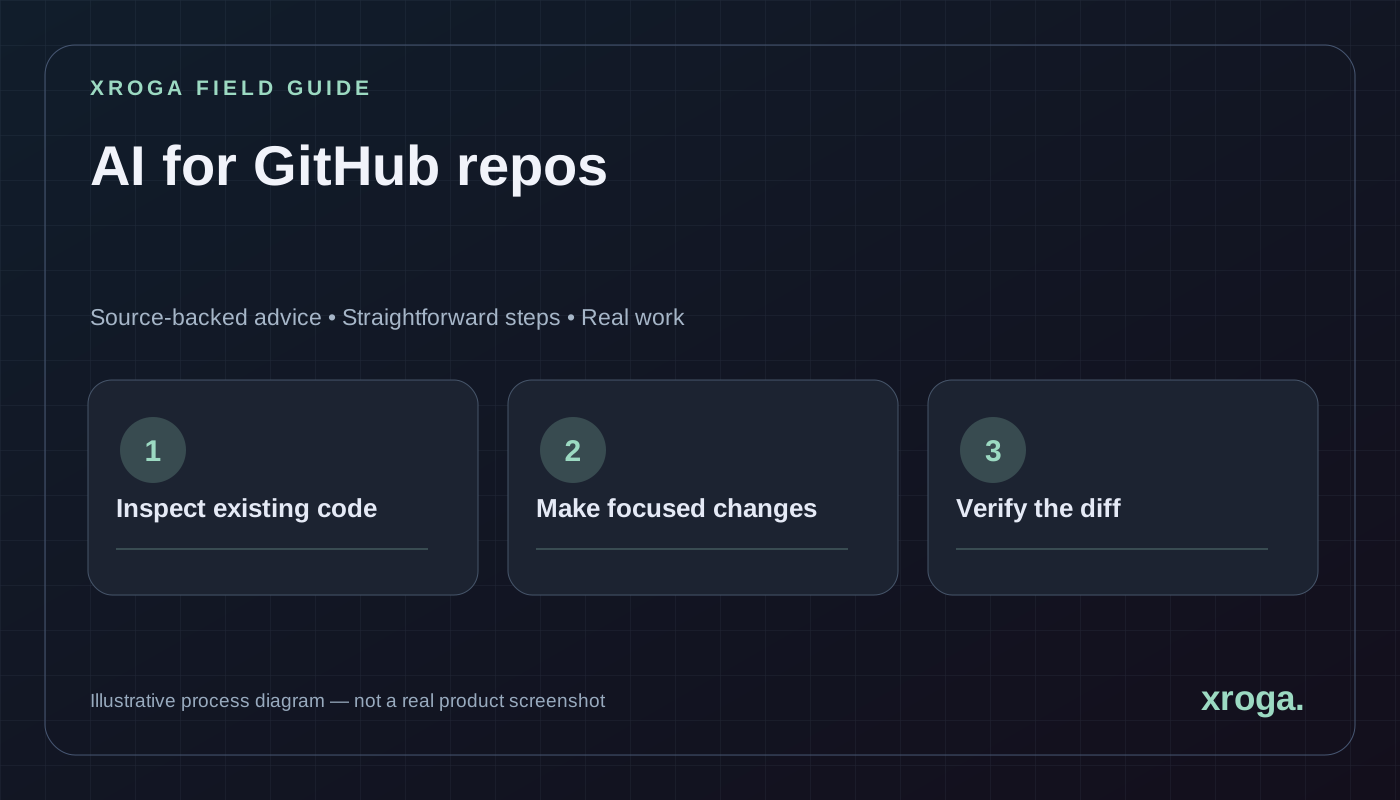
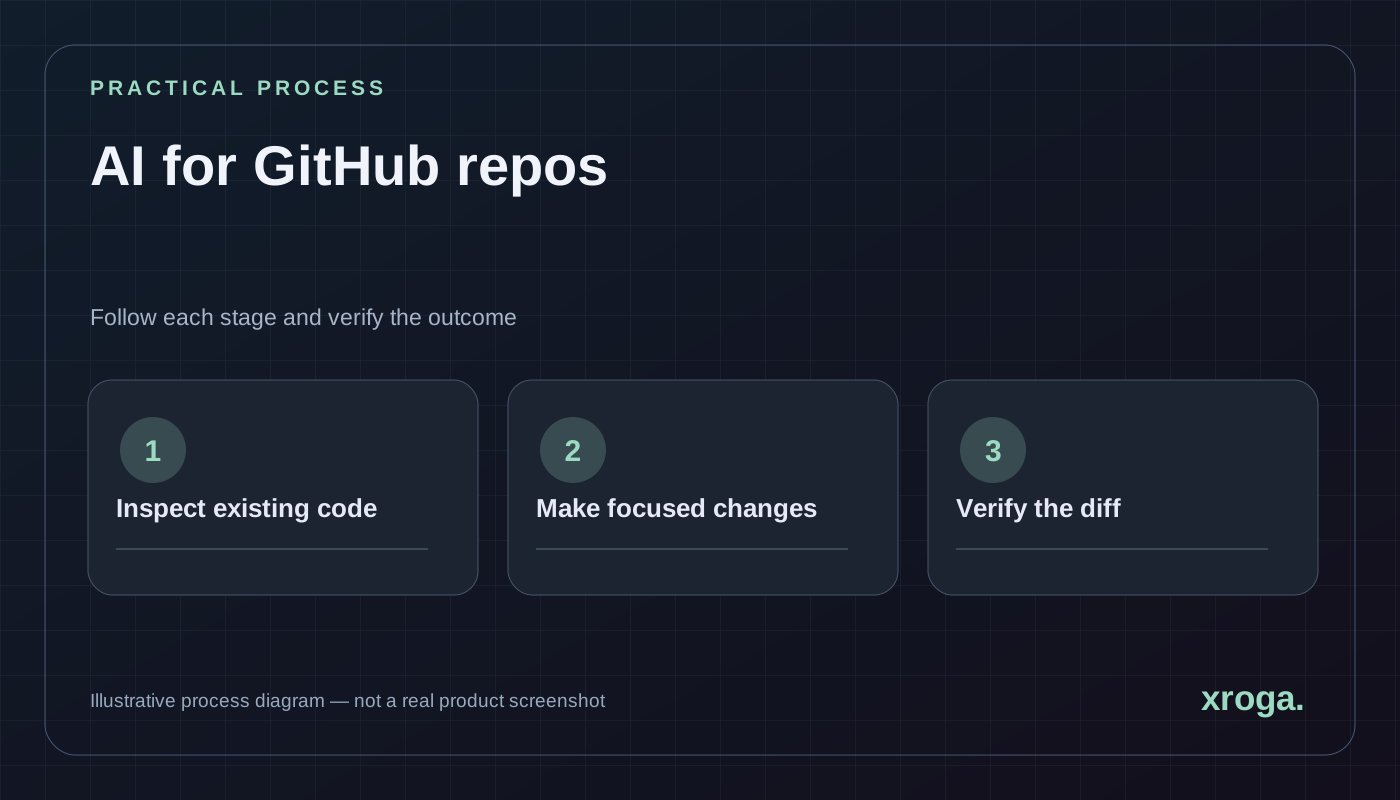
For existing GitHub projects, prioritize safe repository access, focused changes, reviewable diffs and successful tests. A beautiful generated screen is not enough.
The quick answers above are reviewed article summaries. The AI follow-up opens your Xroga workspace with a prepared prompt; it is not an automatic diagnosis or a background AI response.
01
Why an existing repository changes the evaluation
An AI agent that starts from an empty directory can choose its own architecture. A tool that changes your existing project inherits every decision already made: routing, state management, database migrations, tests, secret handling, conventions and deployment pipelines. Its main job is to understand those boundaries before writing code.
That distinction matters to founders as much as developers. If you already have users, a small change can affect many people. Ask the tool to explain what exists, which files it plans to touch and how it will verify the result. A tool that cannot give that account may still be useful for prototyping, but it is riskier for mature systems.
02
What a strong GitHub-aware coding workflow looks like
A credible agent should begin by locating the relevant components and reading the project's instructions. It should use the repository's package manager and scripts rather than introducing an unnecessary build system. It should maintain a branch or change set that humans can review, report failed checks accurately, and obtain permission before performing consequential external actions.
These characteristics are not unique to any brand. Cursor, Windsurf, Replit and repository-oriented browser platforms use different interfaces. Xroga's documented direction emphasizes natural-language tasks, inspectable changes and verification, but the right choice still depends on stack support, permissions and measured results on your codebase.
| Dimension | Strong evidence | Weak evidence |
|---|---|---|
| Repository context | Reads relevant files and constraints | Recreates the app from a screenshot |
| Change control | Small patch and clear diff | Large unrelated rewrite |
| Verification | Real test commands and results | Says 'looks good' without tests |
| Security | Scoped tokens and secret protection | Requires broad unnecessary access |
| Operations | Verified preview and rollback plan | Treats preview as production proof |
03
Build a small benchmark that tells you something real
Prepare a miniature production-like repository with a login flow, a handful of components and one failing test. The task: add a profile field, update validation and persistence, and ensure another user's profile cannot be accessed. Give the same starting commit and acceptance criteria to every candidate.
Avoid scoring purely by number of lines changed. Better measures include whether the feature meets the tests, whether the diff is understandable, whether unrelated files changed, and how much human correction was required. If a tool cannot execute tests in your environment, mark that as unverified rather than zero or success.
- Create a controlled branch
Freeze the starting commit and remove real credentials or customer records.
- Supply acceptance criteria
Specify expected behavior, negative test cases and files that should remain unchanged.
- Observe implementation
Record the proposal, tool actions, permissions requested and modified files.
- Run relevant checks
Use the repository's build, lint, unit and end-to-end commands as applicable.
- Review the final patch
Examine behavior, security, migration impact and rollback before considering a merge.
04
An example prompt for changing an existing app
A useful prompt gives the agent enough constraints to make the work auditable without prescribing every line of code. Replace the bracketed fields with real repository information and redact any private details. The expected result is an evidence-backed patch, not a vague explanation.
Repository: [owner/project]
Task: Add a required phone field to the customer form.
Constraints:
- Preserve current routes, UI conventions and dependencies.
- Use existing validation and database patterns.
- Do not touch unrelated modules or production data.
- Never reveal secrets or deploy without approval.
Acceptance:
- Valid values save and reload.
- Invalid values display a clear message.
- Existing customer fields still work.
- List tests run, results and any blockers.
Deliver: diff, explanation and safe rollback plan.05
Handling database changes safely
A small UI change can become a schema migration. Before updating a live database, inspect existing columns, indexes, policies and application queries. A nullable column added in staging may be straightforward; renaming or deleting a column used by older clients can cause an outage. Your AI tool should distinguish a proposed migration from one already applied.
For production, use a reviewed migration and backup policy. Avoid letting an agent automatically modify live data as an incidental consequence of a prompt. Require a deliberate approval for database writes and a post-deploy smoke test for the affected user journey.
06
Permission boundaries and review
A GitHub connection grants abilities, not an obligation to exercise them. Prefer a scoped installation that can access only the repositories needed for the task. Separate reading, pushing changes, opening pull requests, merging and deployment into appropriate permission steps.
Review the final change like any human pull request. Check for secrets, dependency changes, unsafe APIs, inaccessible controls, silent error handling and accidental behavior changes. If the code is difficult to understand, ask for a smaller patch rather than trusting a successful compilation.
- Use test repositories for initial evaluations.
- Never paste production credentials in chat prompts.
- Review new dependencies and their licenses.
- Verify that database access is authorized for each user.
- Maintain a documented rollback path.
07
How to interpret an agent's reported success
A test result is useful only when it identifies the command, the environment and the code revision. A green test on an unrelated branch cannot prove the requested change is safe. Similarly, a successful frontend build does not demonstrate that a webhook or external database operation works in production.
Separate generated, reviewed, tested, deployed and observed statuses. If the platform cannot run a browser test or production smoke test, record the missing check. This may sound slower than instant magic, but it prevents expensive rework when a prototype becomes a real service.
08
Which AI coding tool should you choose?
For a developer who wants to remain in their familiar editor and terminal, start by comparing IDE agents such as Cursor and Windsurf. For people who want an online coding environment, investigate Replit. For natural-language tasks connected to supported repositories with explicit verification, evaluate Xroga. Teams may use more than one tool at different stages of the lifecycle.
Do not rely on marketing claims of autonomous quality. Run the same bounded task in your own repository, keep the starting conditions fixed and preserve the evidence. The best tool is the one that solves the actual engineering problem within your acceptable risk, cost and review burden.
09
How to give an agent just enough repository context
Large repositories contain files irrelevant to the current request. Giving an agent every file can distract it, increase processing cost and expose unnecessary information. A better approach begins with the repository instructions, a folder map, the target route or service and the tests that describe the intended behavior. Let the agent search for specific symbols and follow their imports rather than pasting the entire codebase into a prompt.
Context should include architectural boundaries. If your codebase has a central authentication middleware, a shared design system or a migration framework, tell the agent to inspect those before writing. Include the package manager version and build command from the repository. The assistant should be able to explain which conventions it is preserving and why.
When the tool reports a plan, verify that it names relevant files and checks rather than guessing at arbitrary paths. If it misses a required integration, correct the scope before allowing changes. This brief review can prevent a small request from becoming a broad refactor.
010
Design tests that catch plausible regressions
Tests should represent user behavior and dangerous edge cases, not merely the lines the agent happened to change. If it adds a role to an admin interface, verify both an allowed operation and an operation that must fail. If it changes search, confirm empty results, special characters and the relevant permissions. If it edits a form, test validation, persistence and error feedback.
Treat test execution as evidence only when you know the command, result and environment. A claim that 'all tests pass' without a command or log is not enough. Likewise, passing existing tests may leave the new feature untested. New acceptance criteria should become new tests or a documented manual verification.
Different layers need different checks. Type checking catches incompatible code; unit tests isolate functions; integration tests inspect services and the database; browser tests exercise user journeys. The correct blend depends on the repository. Asking an agent to run every possible test on every tiny change can waste resources, while skipping all checks creates avoidable risk.
011
What to do when the agent gets stuck
An agent may repeatedly apply a fix that does not address the actual error. After one or two unsuccessful attempts, stop the loop and collect evidence. Record the original failure, latest error, files modified and the last known working commit. A new prompt should ask the agent to explain the discrepancy between the expected and observed behavior instead of trying another broad rewrite.
Keep the investigation hypothesis-driven. For instance, if the UI renders but the POST request returns 403, ask whether the failure comes from authentication, authorization or application logic. Verify each hypothesis with a specific log or test. If the agent cannot inspect the needed environment, mark the work blocked rather than interpreting silence as success.
Revert experimental changes that are unrelated to the diagnosis. Retaining every failed patch makes the next attempt harder to reason about. The ability to return to a clean branch is one of the reasons Git-based work is useful for AI-assisted engineering.
012
Measure human review effort, not just model speed
A fast code generation result can consume hours of debugging afterward. In a fair trial, measure total time until acceptance criteria pass, including human intervention. Record whether a reviewer could understand the patch, whether tests were added, and whether a rollback would be straightforward. These measures are closer to actual team productivity than tokens per second.
Separate the task result from interface preferences. An experienced developer may be much faster in a terminal, while another teammate prefers a browser workspace. Both can be effective. What matters is whether the workflow produces a safe, maintainable change for the intended user.
Assign an explicit 'unknown' status to outcomes you did not verify. This prevents pressure to publish a grand ranking from turning missing information into flattering scores. A smaller honest comparison can earn more trust than a crowded benchmark chart based on unsupported estimates.
013
Approval and accountability across the release
Different actions deserve different approval boundaries. Reading a repository and proposing a patch is not the same as modifying data, merging a pull request or deploying to production. Establish who may authorize each step and what evidence is required first. For a customer-facing application, tests and a review should normally precede the live release.
Check integration scopes carefully. A model that can call a GitHub tool should only access the repositories it is authorized to use. Credentials must stay in protected storage and should not appear in code samples, logs or final answers. If the tool needs access to a new provider, it should request a connection rather than pretending it already completed the step.
After deployment, retain a compact record of what changed: commit, release ID, checks, known limitations and an owner for follow-up. This makes the next maintenance request easier and helps the team identify where the AI workflow genuinely saved effort.
014
Frequently asked questions
These questions help distinguish existing-project development from greenfield app generation.
Can AI safely edit an existing GitHub project?
It can assist with edits, but safety depends on scoped permissions, repository understanding, tests, code review and a controlled release process.
Should I give the agent access to the main branch?
For most nontrivial changes, use a working branch and review the patch before merging. Apply tighter policies to production repositories.
Is passing a build sufficient?
No. A build does not test every user journey, database policy or external integration.
Can a non-developer use a repository-aware agent?
Potentially, if the product provides a suitable interface. A responsible workflow still requires evidence, permissions and review for consequential changes.
Primary sources
Product capabilities change. These official pages were used for the factual statements above; verify them again before making a purchasing decision.