AI Web3 app builder guide
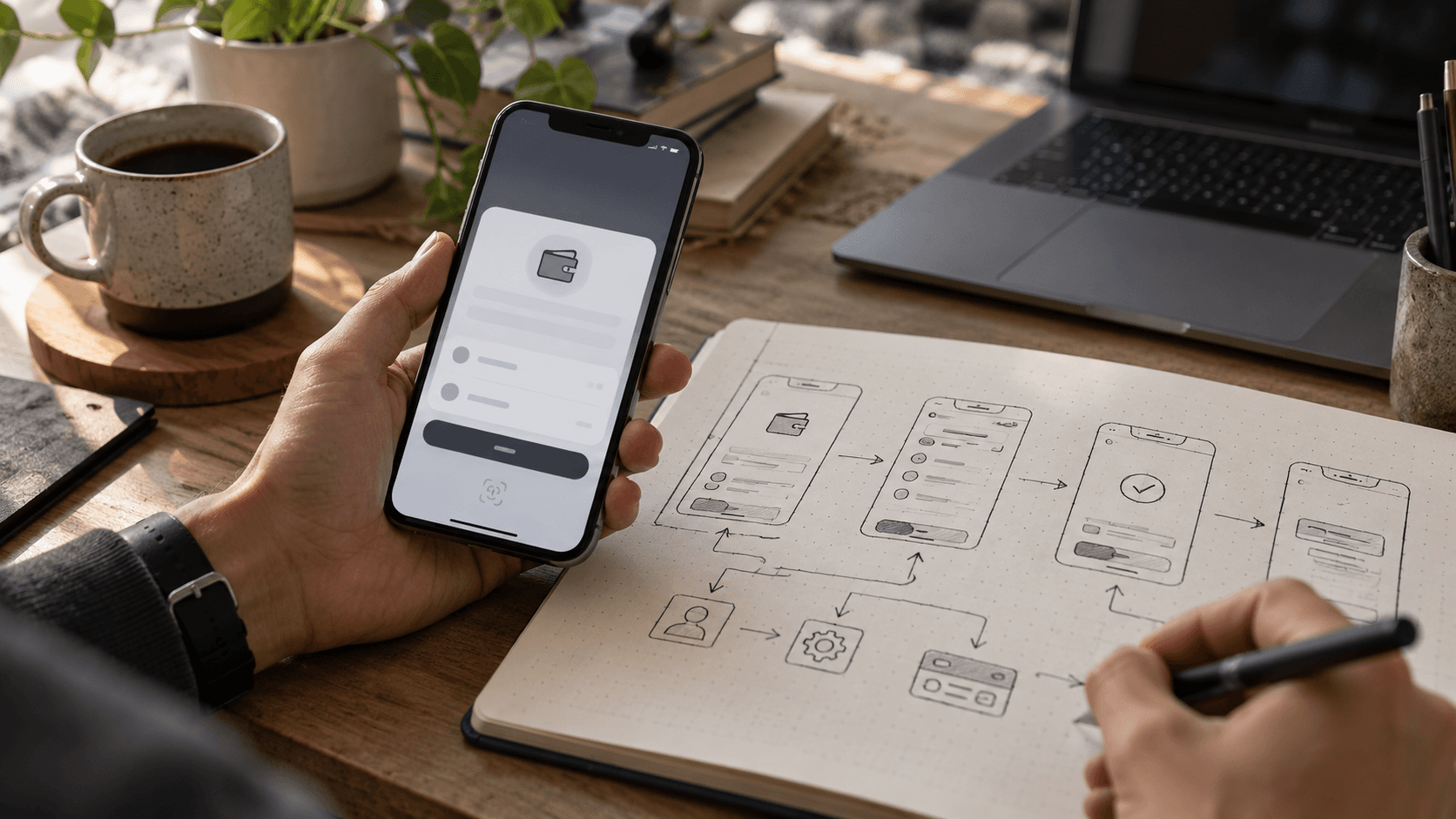
Why your Web3 app loses people at the wallet screen
The first wallet screen is not an onboarding detail. It is the point where a curious visitor decides whether your product understands the risk you are asking them to take.
Reviewed against official sources · 2026-10-23
01
Ask for a wallet only when the job requires it
A visitor who wants to read a proposal, inspect a token or preview a dashboard should often be able to do that without connecting anything. Delaying the wallet prompt gives them context and lowers the chance they approve a request they do not understand. Reserve connection for the point where identity, ownership or a transaction actually matters.
Before showing Connect, say what the action unlocks. After connecting, show the current network and a shortened address with a way to view the full address. Make it obvious when data is a read-only preview and when the next click will ask the wallet to sign or transact.
02
Treat signatures as a product moment, not a technical hurdle
“Sign to continue” hides the most important question: what is the user authorising? A message signature, token approval and on-chain transaction are different operations with different consequences. Use plain language above the wallet request: what changes, what does not change and what the user should expect to see in their wallet.
Build rejection and interruption into the normal journey. People switch networks, close a wallet, reject a prompt or return after the session expires. The interface should recover without charging twice, losing form state or pretending an unfinished action succeeded. Ethereum’s contract-interaction documentation makes clear that writing to a contract involves a transaction rather than a simple website click.
- State the exact operation before opening the wallet.
- Show network, amount, recipient and any token approval scope.
- Provide a safe cancel path and a retry that cannot duplicate a payment.
- Link to an explorer only after a real transaction hash exists.
03
Where account abstraction helps
Account abstraction can support a more flexible account experience: programmable validation, different recovery approaches and transaction sponsorship, depending on the design. It does not make risk disappear. A recovery mechanism introduces its own trust assumptions, and gas sponsorship introduces a payer who needs limits and abuse protection.
For a first release, decide the recovery story before adding convenience features. Who can restore access, how is that authority changed, and what happens if the recovery service goes away? Explain those answers in the product instead of calling the wallet “passwordless” and moving on.
04
A useful AI prompt for a wallet flow
Try: “In the existing Web3 app, keep the public dashboard readable without a wallet. Add a Connect action only to the saved-watchlist workflow. Before a signature, explain why it is needed and display the selected chain. Handle wrong chain, rejection, expiry and disconnect without losing the watchlist draft. Do not add transaction signing. Show me the code paths and tests.”
That prompt gives the AI a bounded job and an explicit prohibition. If you later add token approvals or payments, make those separate reviewable tasks with their own threat model and test cases. A dApp builder should help you move faster through implementation, not erase the product decisions that keep users safe.
05
Check the experience with someone who has never used your app
Watch one person complete the journey without coaching. Ask them what they believe the wallet will do before they click. If their answer differs from the actual operation, rewrite the screen. Then test on a phone, with a slow connection and with the wallet unavailable. This is where small trust failures become visible.
A successful wallet flow ends with a clear outcome: an address connected, a transaction pending, a transaction confirmed, or nothing changed. Those states should never be visually interchangeable.
06
Should a Web3 app use a smart wallet?
Sometimes. If your users need recovery, recurring authorised actions or sponsored fees, a smart-account design may remove a real barrier. If the app only displays public data, adding account machinery can create a barrier instead. The decision belongs to the user journey and risk model, not a trend report.
Compare a conventional wallet flow with the proposed smart-wallet flow using the same task. Note how many steps a first-time user takes, which keys or recovery factors exist, who can change them, and who pays for transactions. Have security and support review the recovery path. The easiest first-use experience can be the hardest one to support after a lost device if the recovery story is vague.
Primary sources
Product capabilities change. These official pages were used for the factual statements above; verify them again before making a purchasing decision.