Supabase · authentication troubleshooting
Supabase Login Fails After Deployment? Fix OAuth Redirects, Cookies and Production URLs
By Xroga Editorial · · 8 min read
If Supabase login works on localhost but fails on your public domain, the problem may be a redirect URL mismatch, OAuth provider callback, session cookie or environment configuration. These checks help you narrow the cause without weakening security.
Editorially updated · 2026-11-20
Don't want to read the whole guide?
Get the idea in seconds, or continue with Xroga's AI assistant.
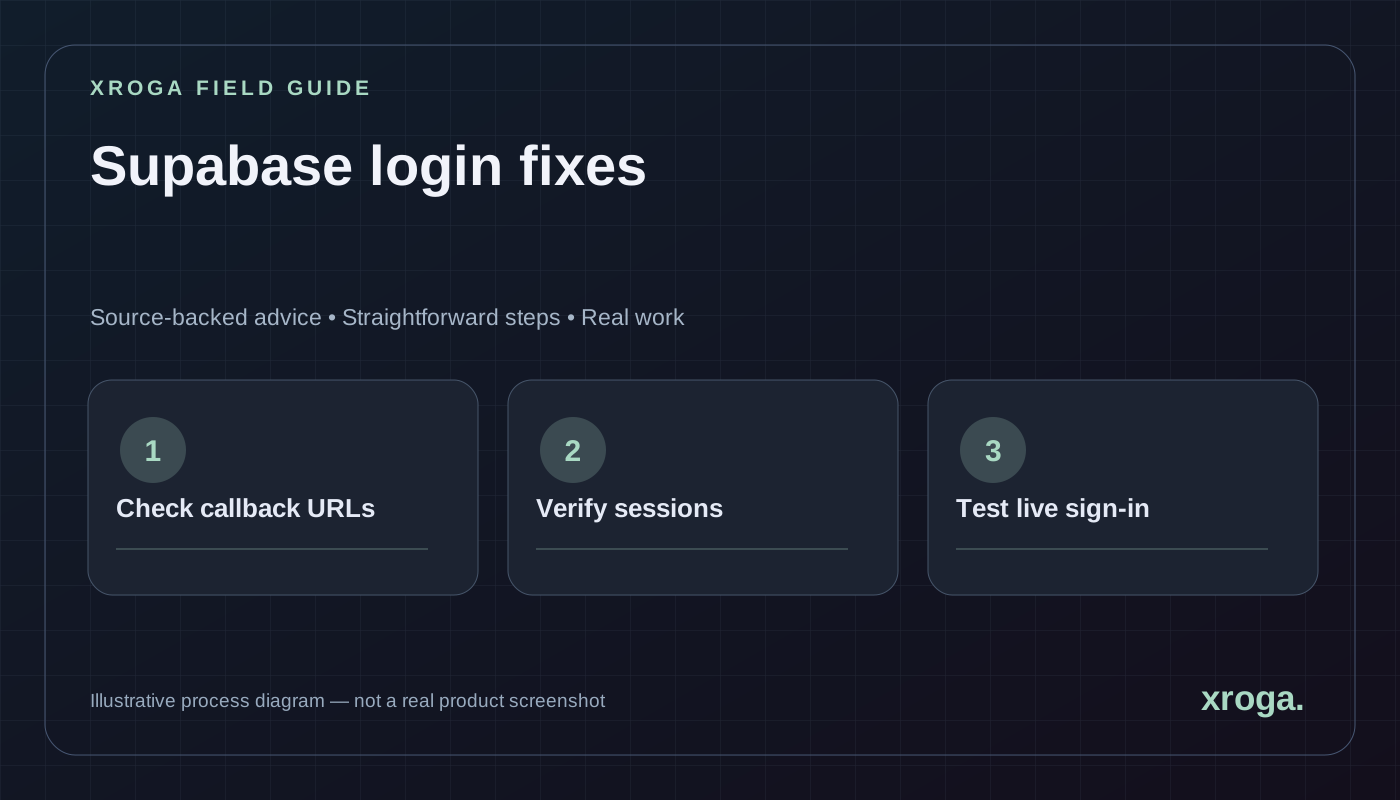
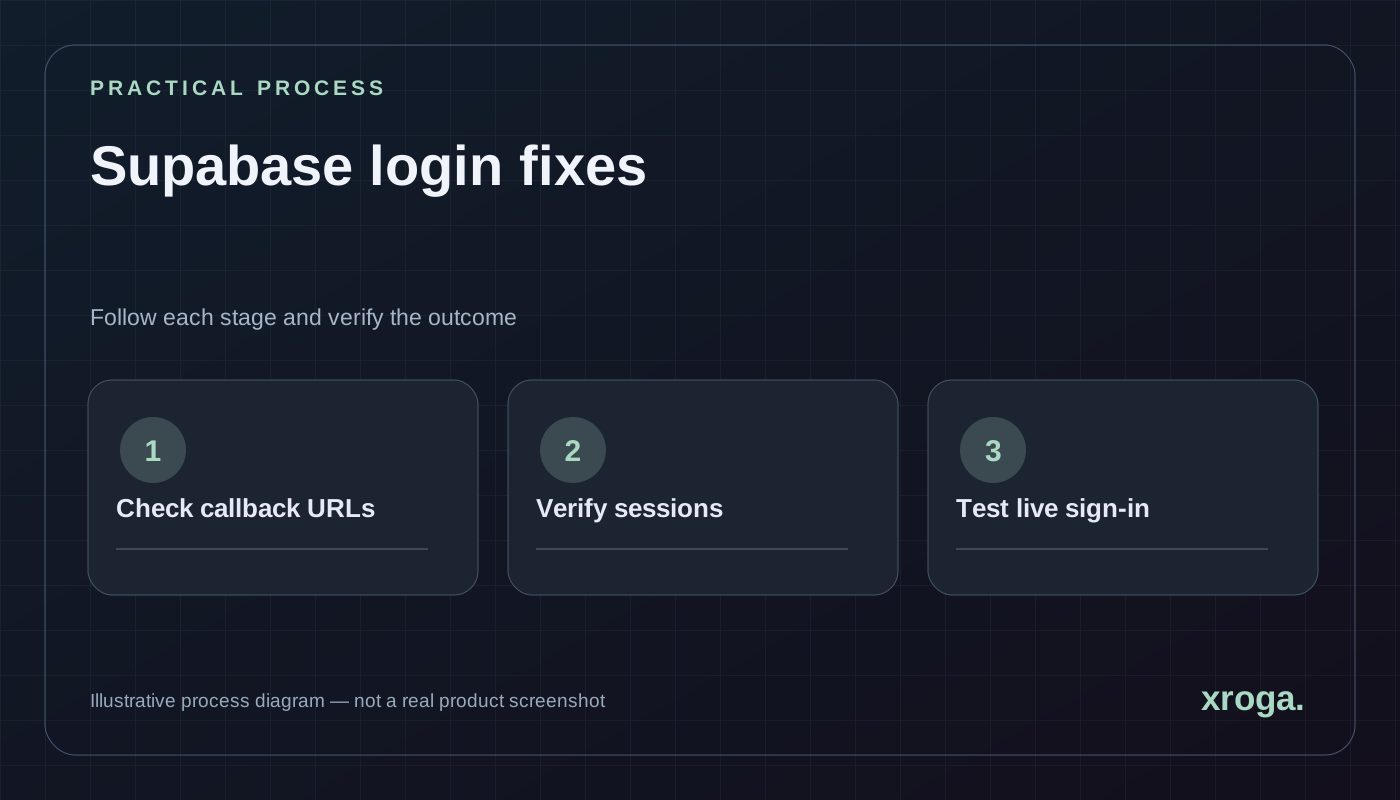
First compare your deployed hostname, Supabase Auth SITE_URL and allowed redirect URLs. Then inspect the OAuth provider callback and session handling using a fresh browser login.
The quick answers above are reviewed article summaries. The AI follow-up opens your Xroga workspace with a prepared prompt; it is not an automatic diagnosis or a background AI response.
01
Recognize the type of login failure
Not all authentication failures are redirect failures. If a user cannot submit the form, inspect validation and network requests. If an OAuth provider rejects the request, inspect provider credentials and registered callback settings. If the provider returns successfully but your app shows the login page again, investigate session exchange, cookies and server-side rendering behavior.
Start with the exact failing URL and a redacted error message. Preserve only safe context: browser, environment, time, response status and the configured domain. Never paste access tokens, authorization codes or secrets into support conversations.
| Symptom | Check first | Avoid |
|---|---|---|
| Provider says redirect URI mismatch | Provider OAuth callback configuration | Changing random client code |
| Returns to localhost | Supabase SITE_URL and redirectTo | Making all redirects unrestricted |
| Returns to login page | Session exchange and cookies | Disabling session validation |
| Only production fails | Environment variables and domain | Publishing secret keys |
| Authenticated but no data | Database RLS and roles | Disabling authorization |
02
Understand the three URLs involved
Your application domain is where the user starts. The Supabase Auth service handles the authentication flow and can redirect back to an approved application URL. A third-party provider such as Google or GitHub also requires the correct callback address to the Supabase service. These are related but not interchangeable.
You may use an explicit redirectTo parameter in the app, a default SITE_URL in Supabase and a provider-specific callback URL in the OAuth provider dashboard. Keep a simple diagram of each hop. Changing just one URL when the flow has three different configuration points can leave the problem unresolved.
03
Check Supabase Auth SITE_URL and allowlist
In the Supabase dashboard, open Authentication and URL Configuration. Set the Site URL to your real production site. Add only the additional redirect URLs you actually use, including local development or approved previews if needed. Supabase documents patterns for preview deployments, but broad wildcards should be understood and restricted appropriately.
Match the real route used by your application. If the code redirects to /auth/callback, that path must make sense in the allowlist. If you use different www and apex domains, choose a canonical origin and ensure both application navigation and auth settings are deliberate. Test rather than assuming redirects will normalize automatically.
- Copy the failing redirect
Record its full hostname, protocol and path but redact any temporary auth code or token query parameters.
- Open URL Configuration
Confirm that Site URL is your intended production origin and additional URLs cover legitimate flows.
- Compare the app's redirectTo
Find the sign-in call or callback helper and verify the URL it constructs in production.
- Review wildcard use
Prefer narrow production URLs; follow Supabase guidance for preview-host patterns only where needed.
04
Check the OAuth provider's authorized callback
When using Google or GitHub sign-in through Supabase, the OAuth application at that provider normally redirects into the Supabase Auth callback endpoint. The configured callback depends on the specific Supabase project, not simply on your Next.js page. Use the callback URL shown by Supabase or its official provider setup guidance.
If you created separate staging and production Supabase projects, their callback URLs may differ. Verify that the provider configuration is consistent with the project your production app actually uses. Avoid reusing credentials indiscriminately across environments if it complicates access control or incident response.
05
Inspect production variables without leaking secrets
An authentication failure may be caused by a frontend configured for one Supabase project while server code uses another. Compare the project URL and the appropriate public key values across the deployment settings. Keep privileged service keys out of browser code. For Next.js, NEXT_PUBLIC_ values can be inlined into the client bundle at build time, so a redeployment may be required after changing them.
Make sure your public and server environments agree on the intended project. Do not log complete tokens or secrets. When necessary, log a non-sensitive project identifier or the hostname of the configured API so you can tell whether the correct environment loaded.
06
Understand session cookies and server-rendered routes
After OAuth redirects the user back to the app, the application may need to exchange an authorization code for a session and store it using the expected cookie or storage mechanism. A successful provider sign-in does not guarantee that the Next.js server sees a valid session on subsequent requests.
Inspect the application's existing Supabase SSR integration and callback handler. Check whether cookies are set for the correct domain, whether HTTPS is in use, and whether the client and server read the same session state. Avoid replacing a working authentication architecture with unreviewed snippets copied from a different framework version.
07
A safe debugging plan for an AI coding agent
Give the agent the exact failure and constraints. Its first task should be to inspect URL handling and environment configuration, not to rewrite your login screens. Ask it to identify what remains unknown, which checks can be run without secrets and which changes require administrator approval.
Issue: OAuth login works locally but fails after deployment.
Stack: Next.js + Supabase Auth + [OAuth provider].
Public domain: https://example.com
Failure symptom: [redacted URL/error]
Inspect:
- Supabase SITE_URL and allowed redirect patterns
- OAuth provider callback configuration
- App redirectTo logic and callback route
- Cookie/session exchange and production variables
Constraints:
- Do not print secrets, tokens or real user data.
- Do not disable authorization or use broad redirect wildcards.
- Propose the smallest correction and a safe validation plan.
Deliver: likely cause, evidence, patch, tests and unresolved questions.08
Verify the complete sign-in lifecycle
Test more than the first successful redirect. Open a private browser window, sign in from the production domain, navigate to a protected page, refresh the page, sign out, and confirm that the protected page becomes inaccessible. Repeat with an expired session if your app supports a reliable test.
Also verify error feedback when a login is canceled or rejected. If a production app uses several subdomains, check how sessions cross or do not cross those boundaries. Treat a missing session as an expected failure state requiring a clear user message, not an excuse to bypass the authentication check.
- Fresh sign-in
Use a new browser session and the exact production domain.
- Protected-route refresh
Confirm the server recognizes the session after refreshing a protected page.
- Sign-out and denial
Sign out, then confirm a protected request no longer succeeds.
- Second account test
Verify that each user sees only authorized records, not merely that login works.
09
Why the callback route matters in server-rendered applications
Many modern applications do not simply store an OAuth token in the page. The provider redirects back with an authorization result, and the server may exchange it for an authenticated session. If the callback route is missing, incorrectly configured or using the wrong Supabase project, the user may reach a page that never becomes signed in.
Read the actual callback implementation in the application. Determine whether it expects a code parameter, which domain its cookies belong to, and which route it sends the user to afterward. Do not copy a callback snippet from a different Next.js or Supabase version without comparing the session architecture.
Use test credentials in a staging environment and log only non-sensitive states such as 'callback received' and 'session established'. Avoid recording raw authorization codes, provider tokens or session cookies in a persistent debugging log.
010
Use a domain and redirect matrix
A clear matrix helps prevent confusion among localhost, temporary preview domains, staging and production. For each environment, record the application origin, expected callback path, Supabase project and external OAuth provider. Treat the final custom domain as an exact configured address rather than assuming redirects will fix themselves.
If the application can be accessed through both www and apex hostnames, decide which one is canonical and ensure authentication flows do not unexpectedly switch between them. Cookies and redirect allowlists can behave differently across hosts. Test the exact domain users will type, not only the automatically generated deployment URL.
Temporary preview URLs are helpful for UI testing, but authentication against them should use documented provider patterns and appropriate restrictions. Avoid overbroad wildcards that could send sensitive login results to an unintended origin.
011
Distinguish cookie failure from RLS failure
After login, two separate failures can look alike. The application may have no usable session, so an authenticated route redirects to sign-in. Or it may have a valid session but the database correctly refuses access to a record because of Row Level Security. Inspect the session state and network request before changing either layer.
A safe test creates two ordinary accounts with different records. Confirm that each can sign in, refresh a protected page and read only its own data. If the sign-in step succeeds but data is empty, inspect the policy and query. Do not disable RLS or use a privileged key to mask a configuration error.
Document whether the failure occurs only after a browser refresh, only in server-rendered routes or only for one provider. Those patterns help locate missing cookie synchronization, incorrect callback paths or an authorization issue in a specific API.
012
Common configuration mistakes during deployment
One common mistake is configuring the production frontend with the URL of a development Supabase project while a server function connects elsewhere. Another is updating the provider dashboard but forgetting that the application bundle still contains an older public URL. A third is hardcoding localhost in an OAuth redirect rather than deriving it from a trusted, configured site origin.
Check the current deployed environment and revision. Record expected variable names without displaying private values. After changing environment settings, follow the hosting provider's guidance about when a new deployment is required and confirm that the new release is actually serving the public hostname.
Keep a rollback plan if a login fix affects all users. A mistaken redirect change can prevent access to the entire application. Make the smallest correction, test it in a safe environment and verify the end-to-end production sign-in immediately after release.
013
Account recovery and invitation links deserve the same checks
Password resets, email verification and invitations often use redirect URLs too. They may work on localhost while failing after a custom domain is introduced. Treat each link type as its own user journey and verify that an expired or reused link produces a clear and secure message.
Test with a fresh account and a controlled email inbox. Confirm the link opens the intended domain, returns to the correct page and does not reveal information about another account. For invitation-only products, ensure that accepting an invite grants access to the intended organization and nothing else.
A good production readiness checklist includes sign-in, sign-out, session refresh, invitation acceptance, password reset and denied access. Authentication is a system, not a single successful login button.
014
Frequently asked questions
Authentication changes are consequential. A narrow diagnosis and test matrix is safer than broad configuration edits.
Why does Supabase redirect to localhost after deployment?
The Site URL or explicit redirectTo may still point to local development. Compare the actual configured values and allowlist.
Can I use a wildcard redirect for every domain?
That increases redirect risk. Follow official guidance and keep production allowlists as narrow as practical.
Why does login succeed but my protected page still fail?
Session exchange, cookies, server-side checks or database authorization may be incorrect. Distinguish them using logs and normal-user tests.
Do I need to put the service-role key in the browser?
No. Privileged keys bypass important security boundaries and must remain server-side.
Primary sources
Product capabilities change. These official pages were used for the factual statements above; verify them again before making a purchasing decision.